The Sign In Page
Once a User accepts your invite, they will be able to log in to the Afiax Admin App at https://app.afiax.africa/signin.
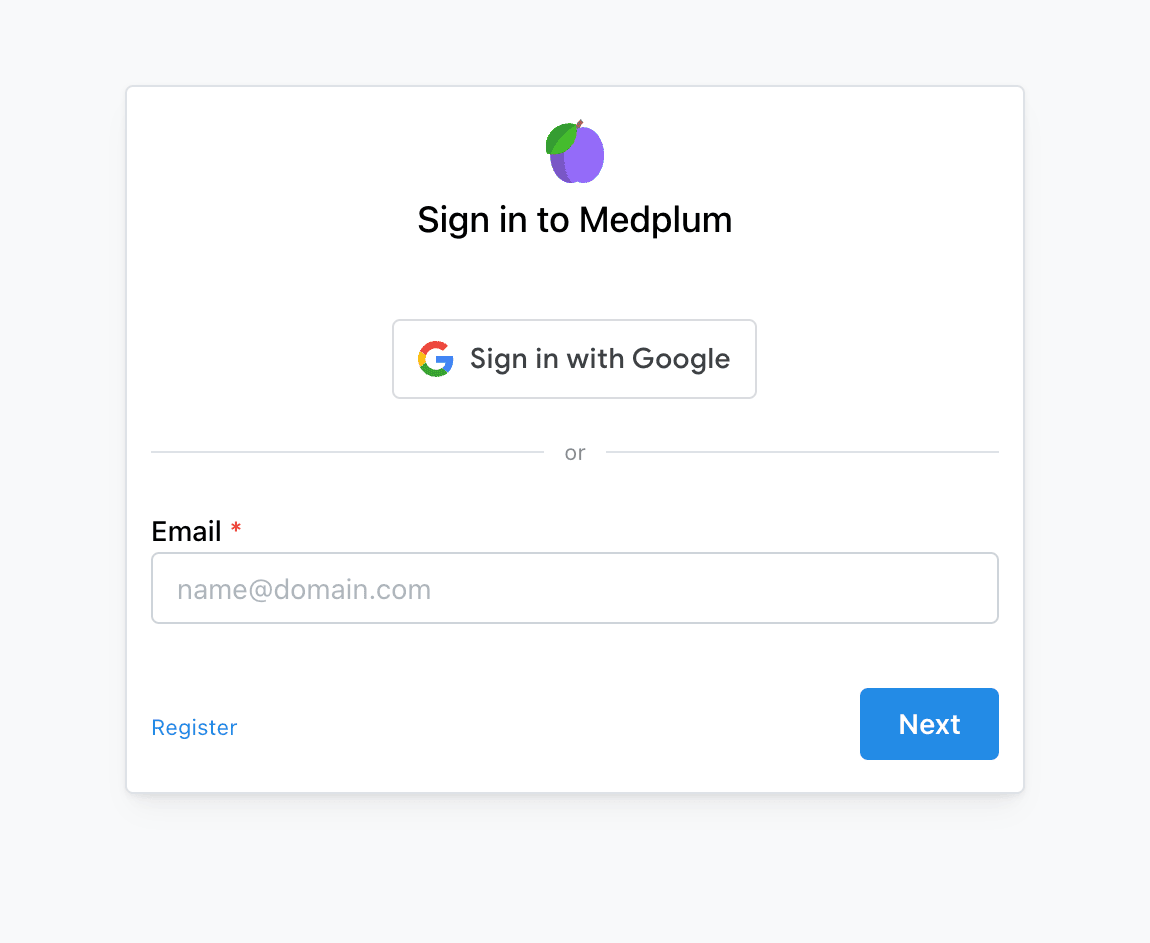
If the User is a member of multiple Projects, logging in will bring them to the Project Selector page. Choose a project to progress to its homepage.
To switch between projects after you have logged in, you can use the Profile Selector.
If the User is a member of only one Project, they will progress directly from the sign in page to that project's homepage.
Signing In as a Patient
By default the sign in page only allows Users to sign in if they are a Practitioner. To allow Patients to sign in you will need to add the project=:id query parameter to the URL. This ensures that Patients can only log in to a single project at a time. The full URL will be as follows: https://app.afiax.africa/signin?project=:id, where :id is the id of the Project they are logging into.